Ongezellig
IAZ and soft NAZ
ZWABAG
[Return] [Thread list] [Index] [Catalog] [Bottom] | Replies: 5 | Views: 47 | Currently viewing: 1
File:
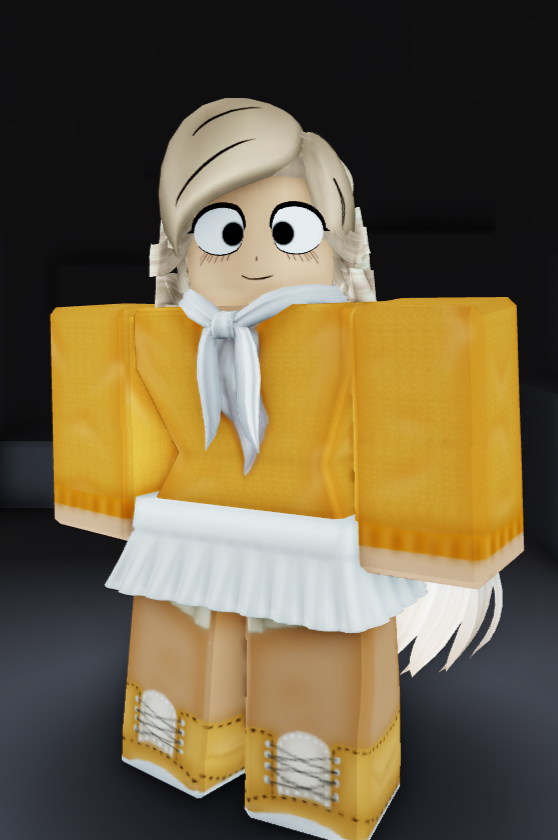
1784500788950-1.png
(450.0 KB, 558x840, Coco.png)
File:
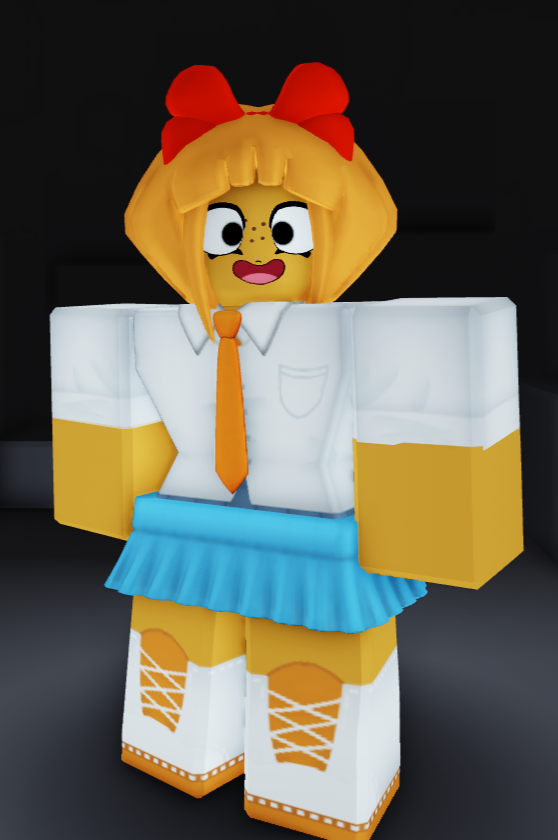
1784500788950-2.png
(390.0 KB, 558x840, Mymy.png)
File:
1784500788950-3.png
(360.0 KB, 558x840, Maya.png)
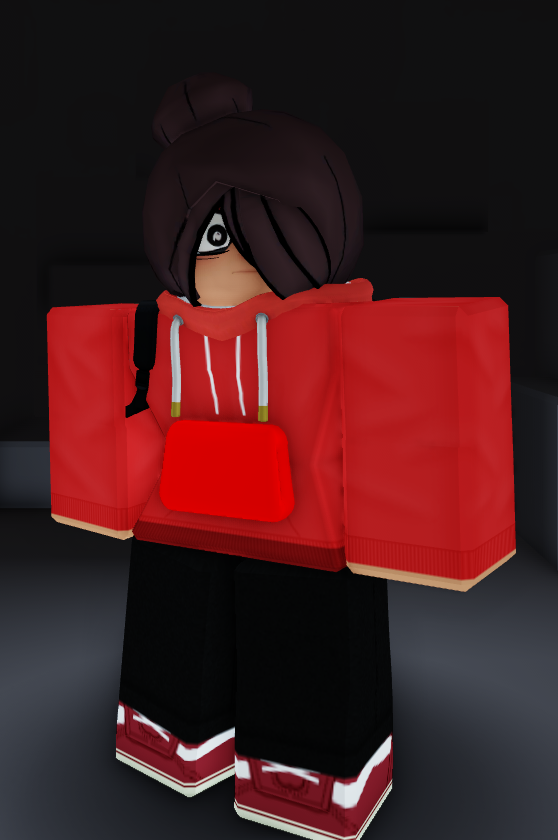
Just some outfits I made with the Roblox Catalogue. Hope you enjoy them, might release outfit code depending on feedback.
File:
1784500788950.png
(420.0 KB, 543x594, 1695748364305.png)
zemmy
File:
1784500788950-1.jpeg
(69.0 KB, 843x883, Tutorial1.JPG)
File:
1784500788950-2.jpeg
(96.0 KB, 1069x991, Tutorial2.JPG)
File:
1784500788950-3.jpeg
(220.0 KB, 1884x933, Tutorial4.JPG)
File:
1784500788950-4.jpeg
(54.0 KB, 761x442, Tutorial5.JPG)
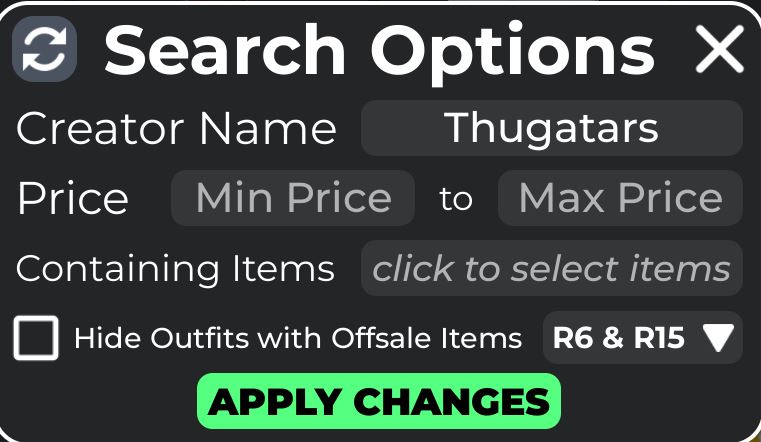
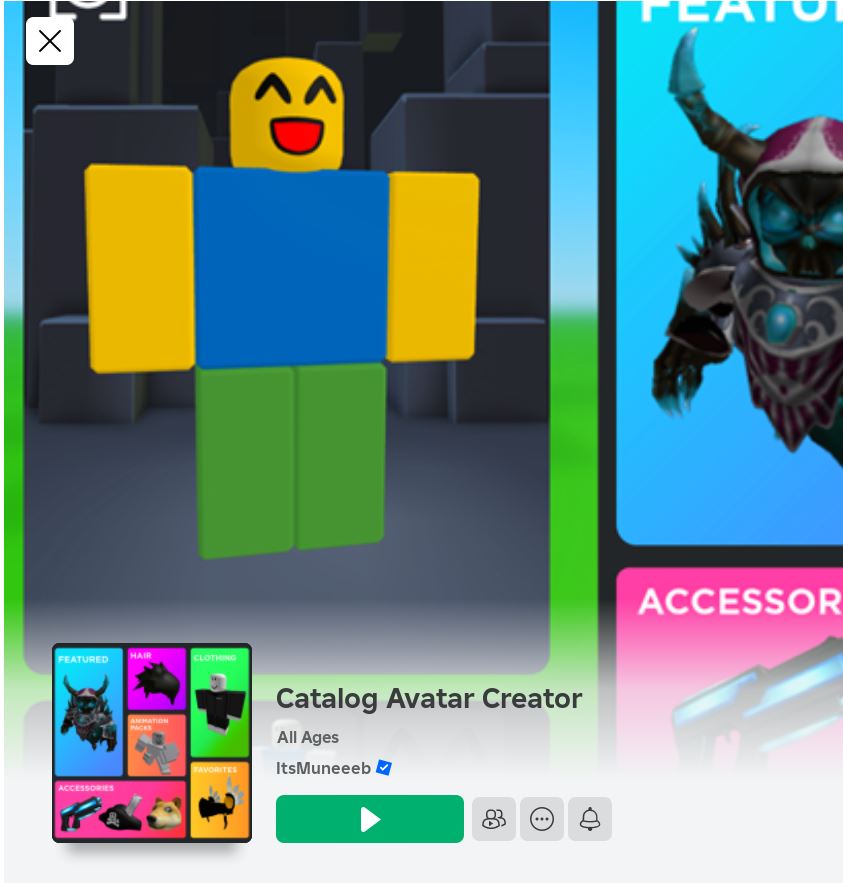
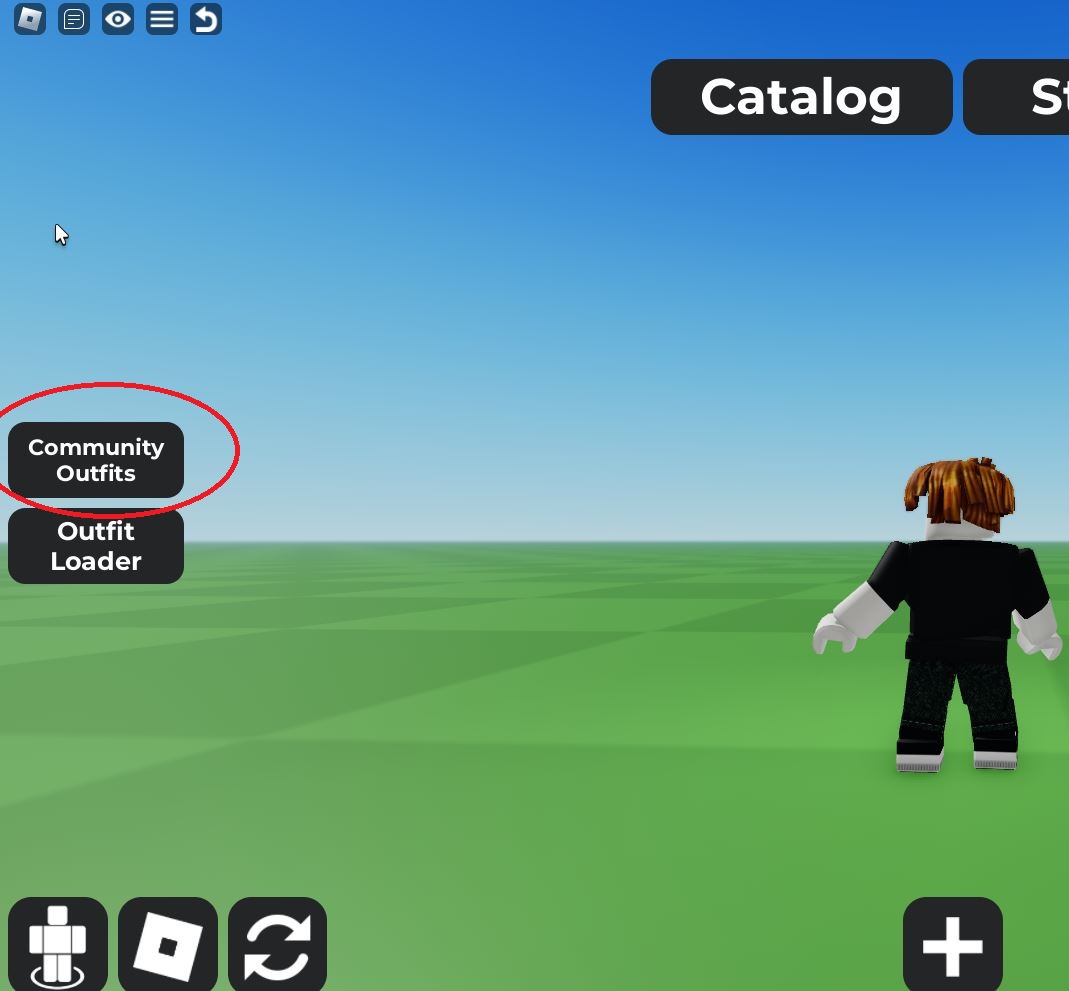
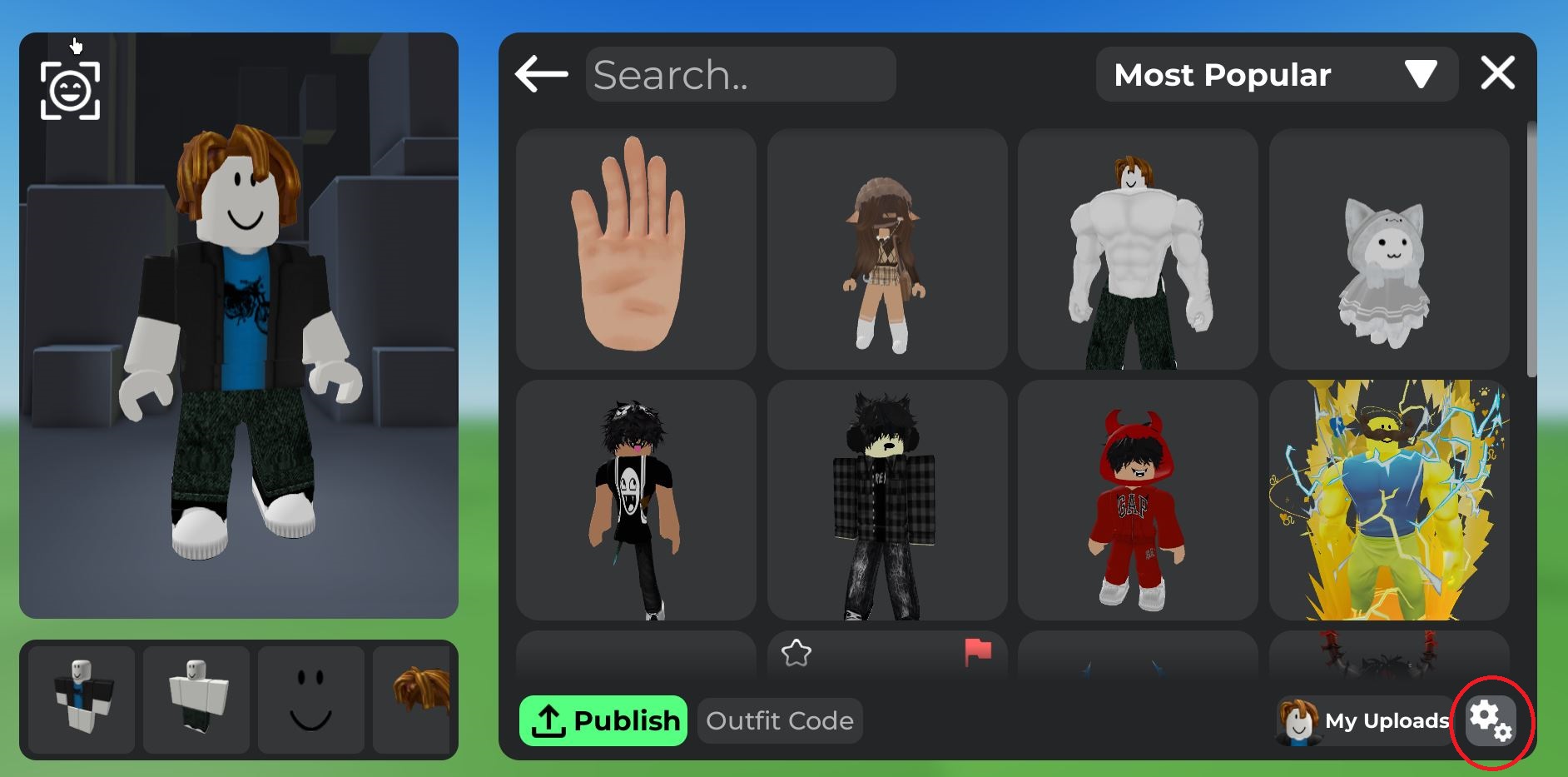
Tutorial, first you want to join the game Catalog Avatar Creator. On the left of your screen, you will see a tab called Community avatars click on that. It will then bring you to a screen that shows popular avatar themes. Click on any theme it doesn't matter. A prompt will appear and, in the bottom left click a gear icon. There you will see an option to sort outfits by username. Type in the user Thugatars and then hit apply. You should then see all three avatars and be able to click and buy the items to make said avatars. (Disclaimer get the Better Roblox Plugin on extensions to be able to equip all items in said outfit outside of the game)
Post actions
[Return] [Thread list] [Index] [Catalog] [Top] | Replies: 5 | Views: 47 | Currently viewing: 1